Hexo美化设置
摘要
Hexo部署好还有许多基本的设置需要设置一下,让博客变得能看一些~
修改页面标题及关键信息
简单的页面信息都在_config.yml中设置
| 参数 | 描述 |
|---|---|
title | 网站标题 |
subtitle | 网站副标题 |
description | 网站描述 |
keywords | 网站的关键词。使用半角逗号 , 分隔多个关键词。 |
author | 您的名字 |
language | 网站使用的语言 |
timezone | 网站时区。Hexo 默认使用您电脑的时区。时区列表。比如说:America/New_York, Japan, 和 UTC 。 |
“阅读更多“设置
默认状态下在博客首页会显示文章的全文,这样不便于预览,通过在文章中增加以下标志,可以截断文章的预览,这样可以让文章更加美观。
<!-- more --> 标题设置
经试验发现,如果在文章中使用一级标题,会和标题的字一样大,感觉有点不协调,而且在自动生成的大纲中会爆炸,所以在文章中只使用二级标题及以下
安装NexT主题
这里安装最流行的主题之一NexT
下载主题
cd hexo
git clone https://github.com/theme-next/hexo-theme-next themes/next
切换主题
vim hexo/_config.yml
theme: next
打开插件获取
意义不明
vim next/_config.yml
fancybox: true
切换版面
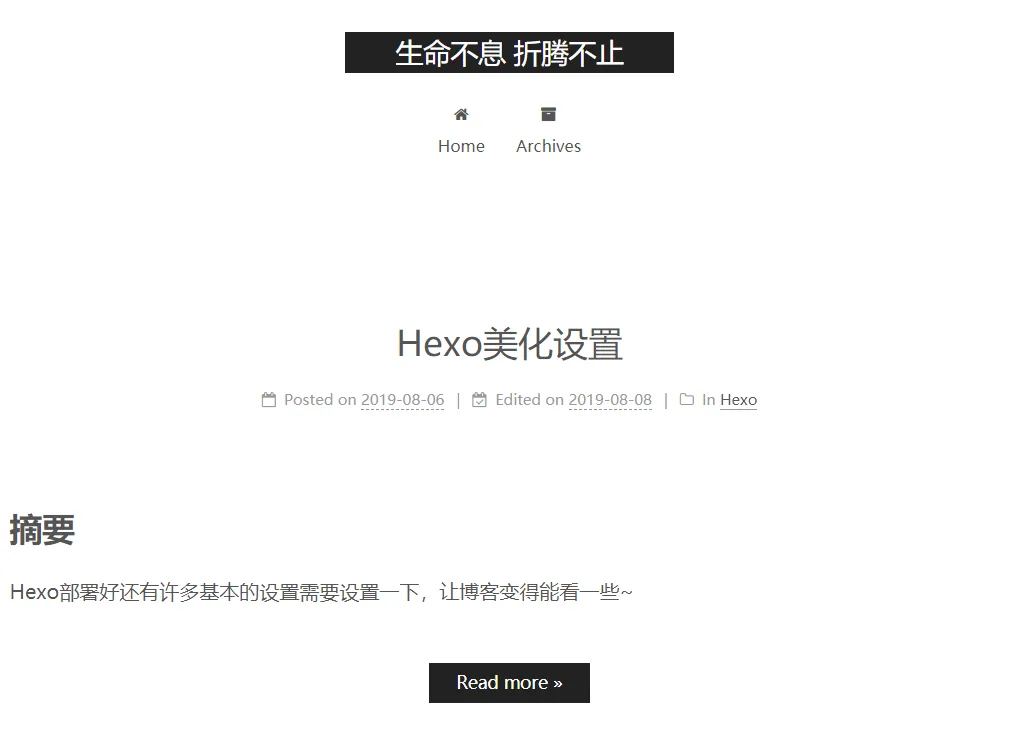
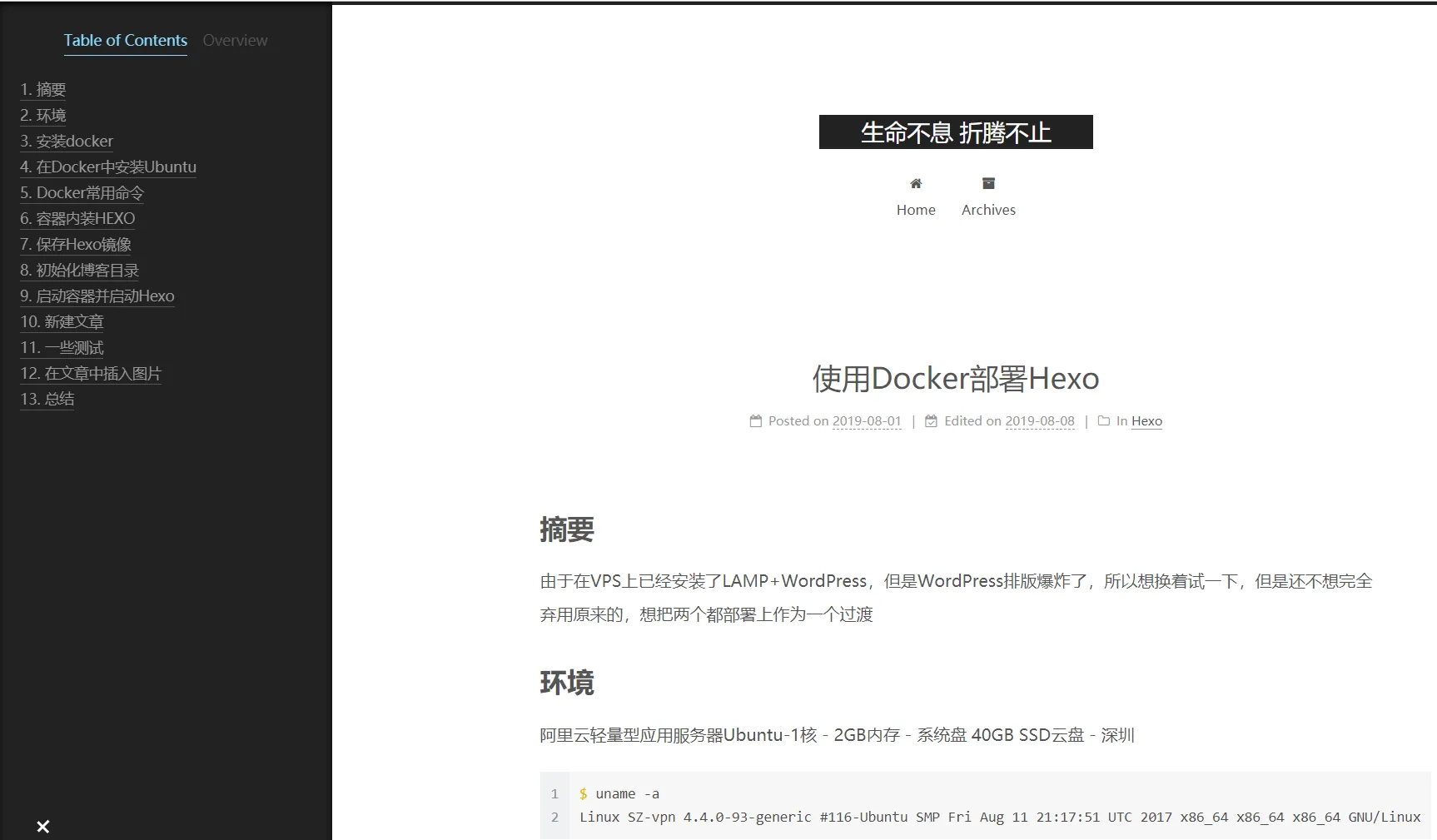
NexT主题有四种版面可选,预览区分别如下
Muse
Mist
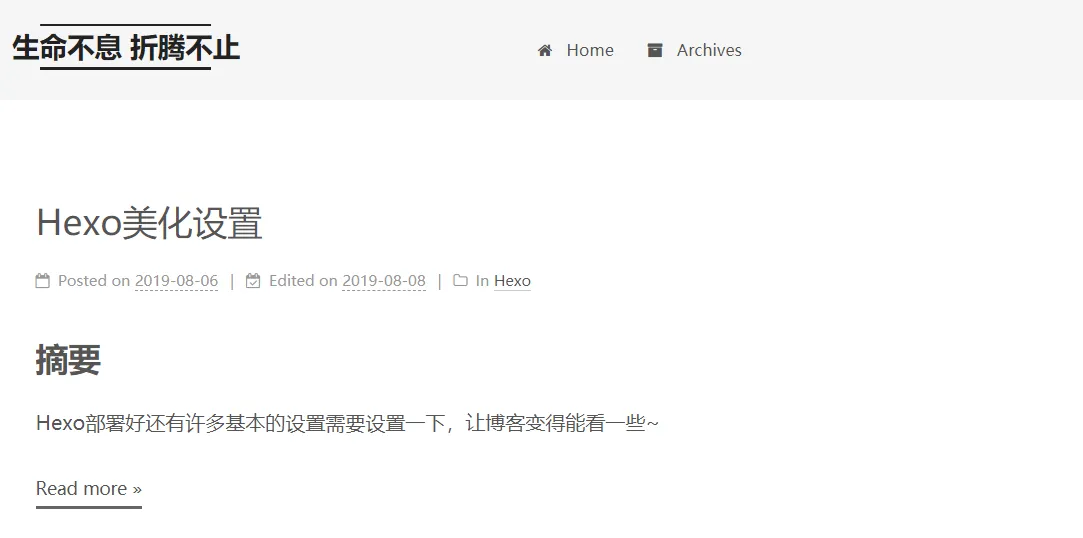
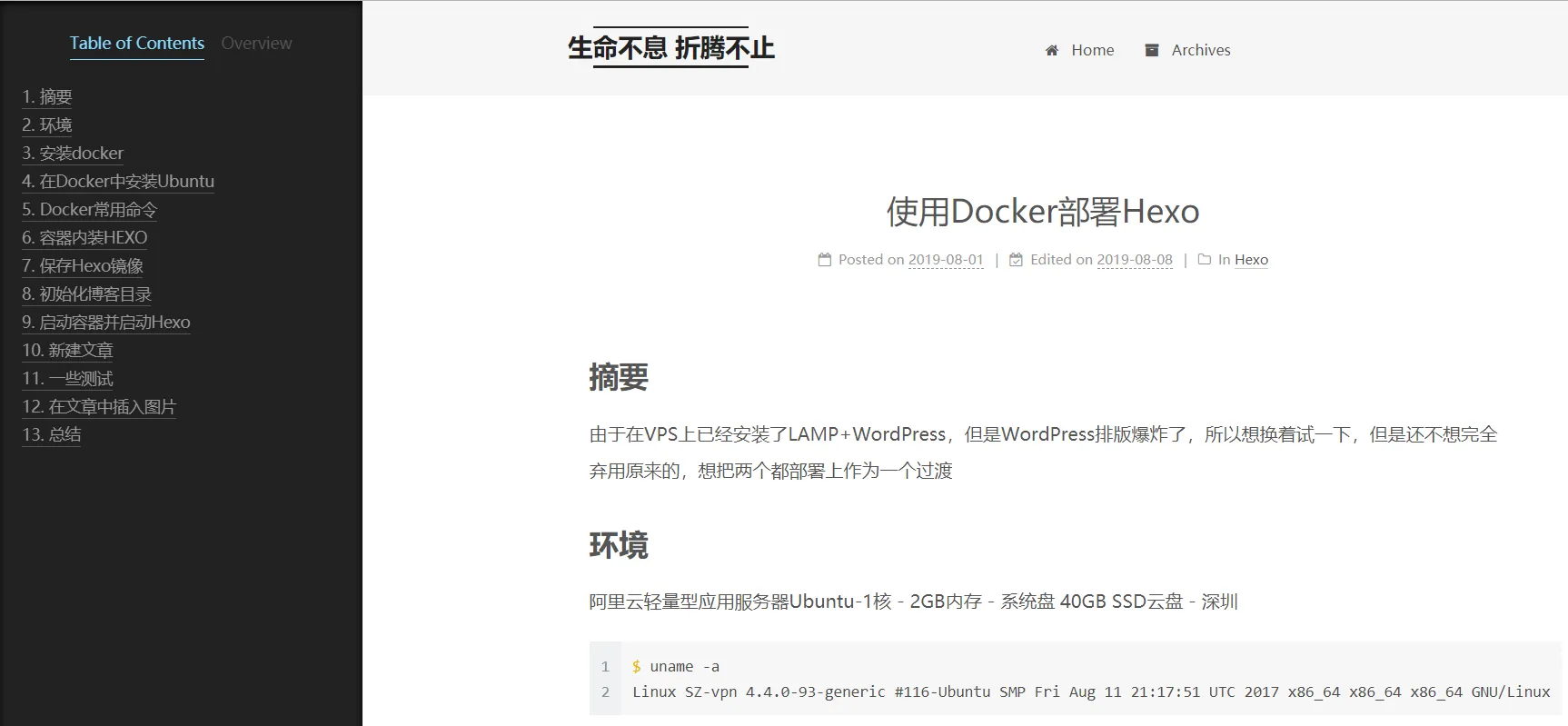
Pisces
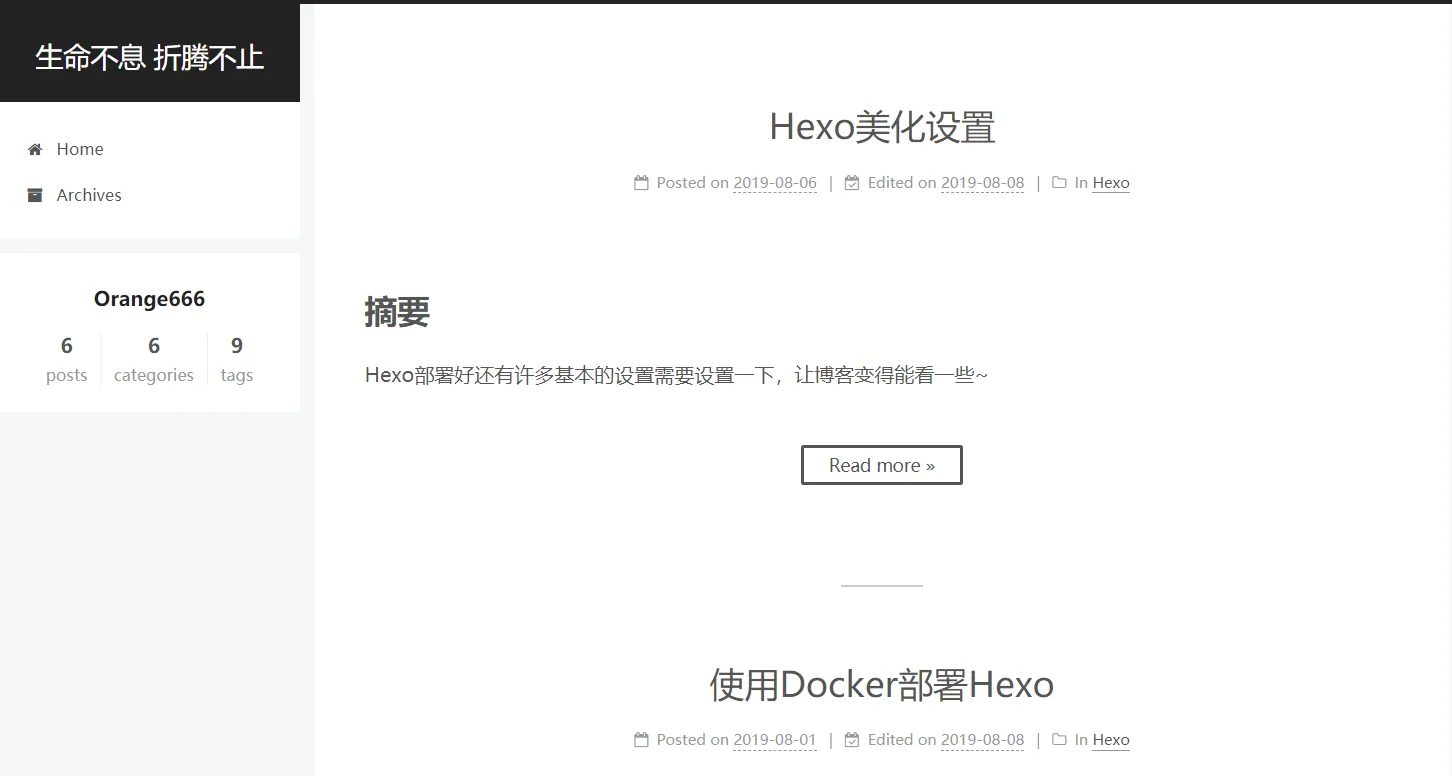
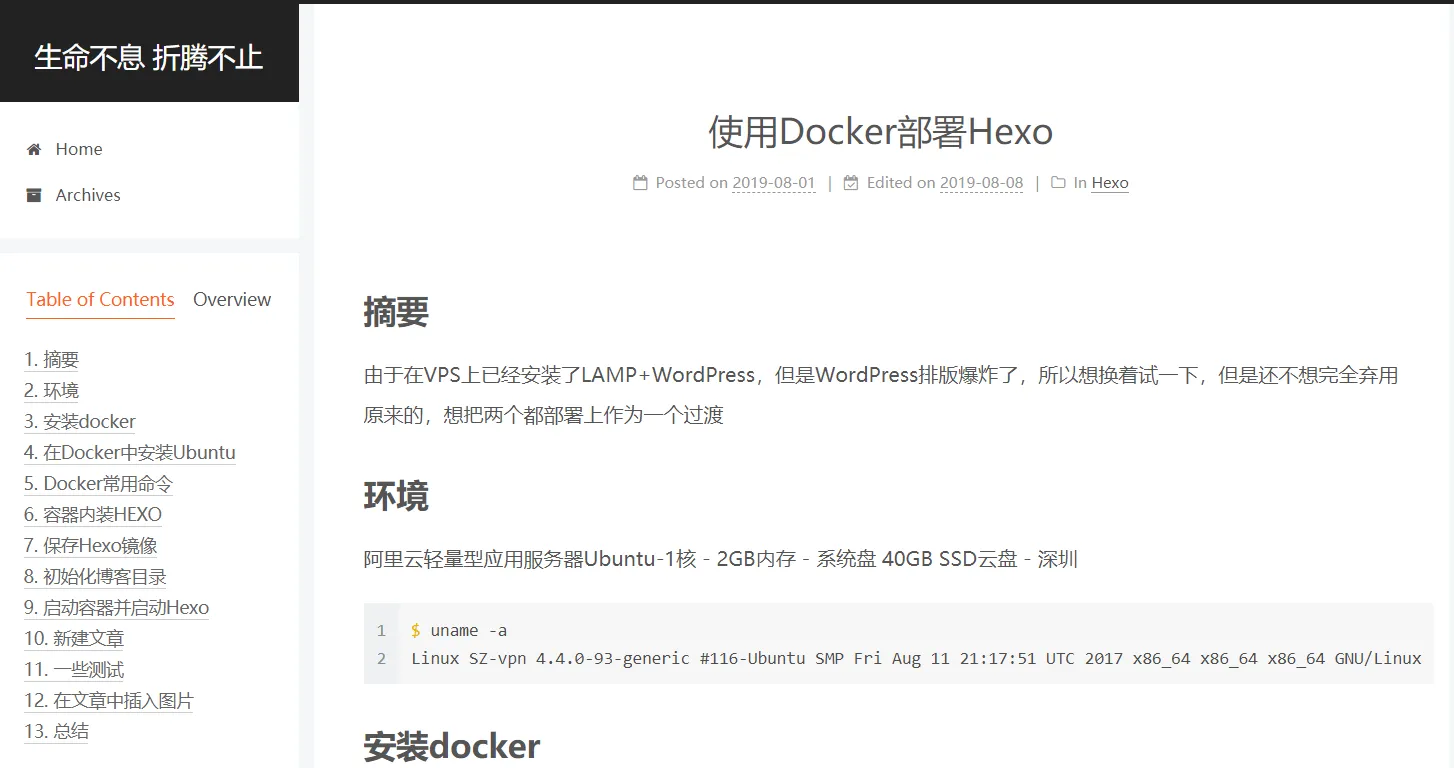
Gemini
和Pisces长得一样,官网的介绍是
Looks like Pisces, but have distinct column blocks with shadow to appear more sensitive to view.
那就用Gemini吧
创建categories和tags页面
创建categories页面
打开命令行,进入博客所在文件夹。执行命令
$ hexo new page categories成功后会提示:
INFO Created: ~/hexo/blog/source/categories/index.md根据上面的路径,找到index.md这个文件,打开后默认内容是这样的:
---
title: 文章分类
date: 2019-08-08 13:47:40
---添加type: "categories"到内容中,添加后是这样的:
---
title: 文章分类
date: 2019-08-08
type: "categories"
---
创建tags页面
打开命令行,进入博客所在文件夹。执行命令
$ hexo new page tags成功后会提示:
INFO Created: ~/hexo/blog/source/tags/index.md根据上面的路径,找到index.md这个文件,打开后默认内容是这样的:
---
title: 标签
date: 2019-08-08 13:47:40
---添加type: "tags"到内容中,添加后是这样的:
---
title: 文章分类
date: 2019-08-08
type: "tags"
---
添加菜单
编辑主题配置文件 ,添加 tags 到 menu 中,如下:
menu:
  home: /
  categories: /categories/
  #about: /about/
  archives: /archives/
  tags: /tags/
  #sitemap: /sitemap.xml
  #commonweal: /404.html
设置头像
上传头像图片到主题文件夹themes/next中的source/images/下
vim next/_config.yml
avatar:
url: /images/[pic].jpg还可以通过rounded和rotated来设置圆形和旋转
创建个人页面
编辑主题配置文件 ,将about也解除注释,如下:
menu:
  home: /
  categories: /categories/
  about: /about/
  archives: /archives/
  tags: /tags/
  #sitemap: /sitemap.xml
  #commonweal: /404.html
在命令行执行以下命令创建页面
hexo new page "about"
INFO  Created: ~/hexo/blog/source/about/index.md
再编写该文件即可
设置不显示修改日期
编辑主题配置文件
# Post meta display settings
post_meta:
  item_text: true
  created_at: true
  updated_at:
    enable: false
    another_day: true
categories: true中updated_at的enable为false
代码块主题
参考:https://theme-next.js.org/highlight/ 来进行配置即可
这里用了prism-tomorrow
把copy_button:的enable:设置为true可以产生复制按钮